Yard Asset Management
Yard Asset Management
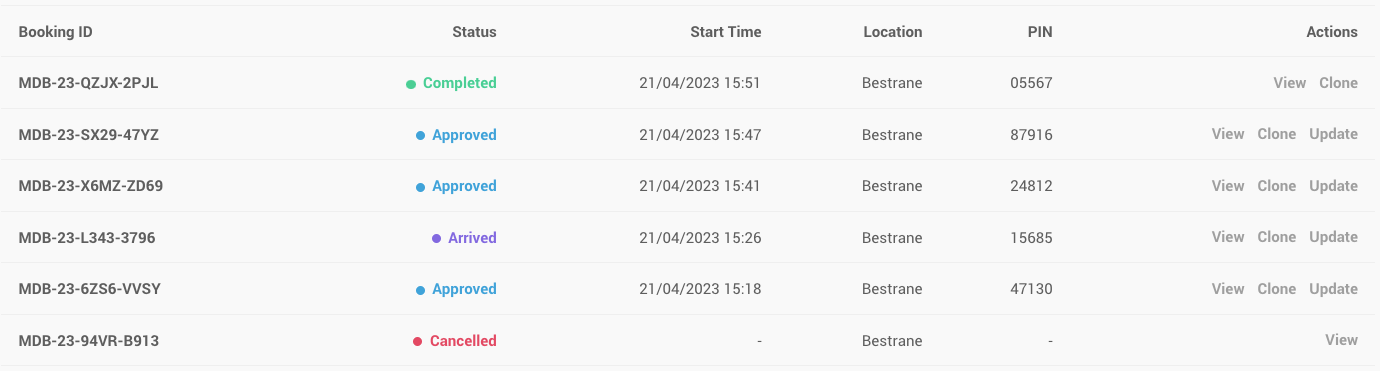
Create and manage yard assets such as containers, trailers and other moveable assets used in your operation.
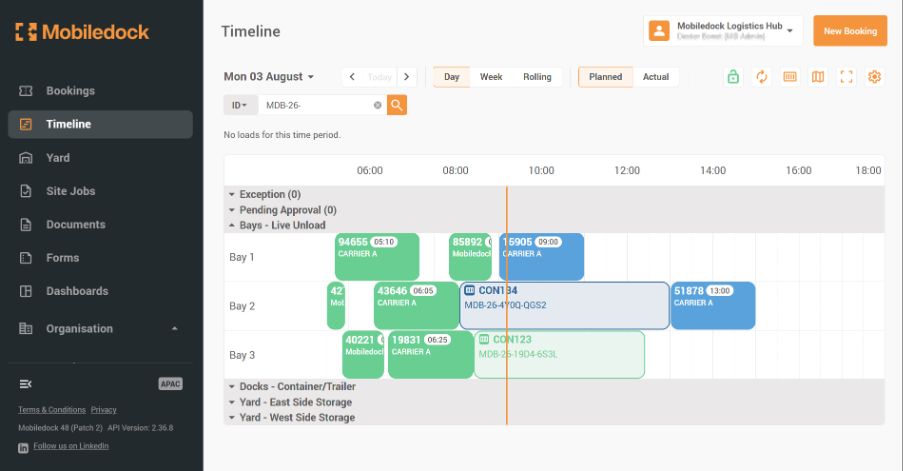
Yard assets can be linked to a dock appointment when they arrive, but continue to exist independently after the truck/tractor/prime mover has departed. This gives your team accurate visibility of the asset that remains on site, not just the vehicle that brought it there.
Separate Truck and Asset Visibility
Mobiledock Yard recognises that the vehicle arriving at site and the asset being delivered are not always the same operational object.
A tractor may drop a trailer and leave. A container may arrive on one movement and be collected later by another. A yard asset may move through several stages before it is finally ready for pickup.
By separating yard assets from trucks and tractors, Mobiledock gives your team a more accurate model of real-world yard operations.
Real-Time Yard Asset Status
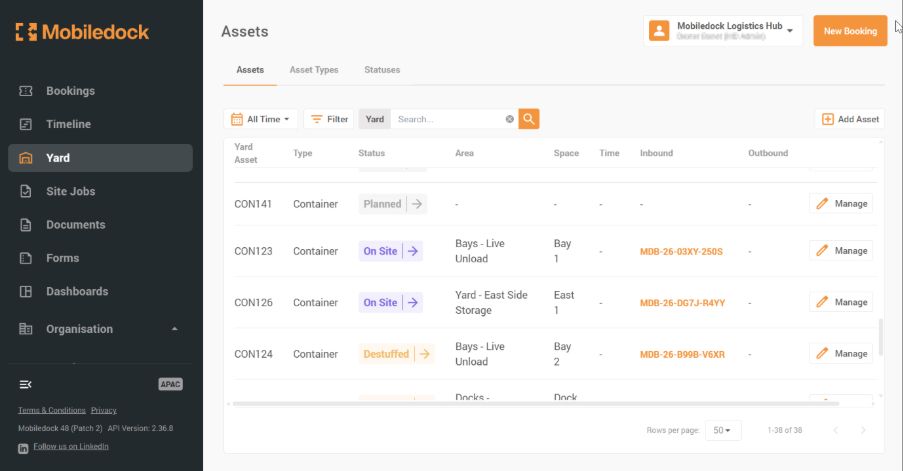
Track the status of each yard asset independently. Use either the built in asset status', or define your own, which reflect exactly how you manage your assets and site. Create a custom flow of status'.
Yard Location Visibility
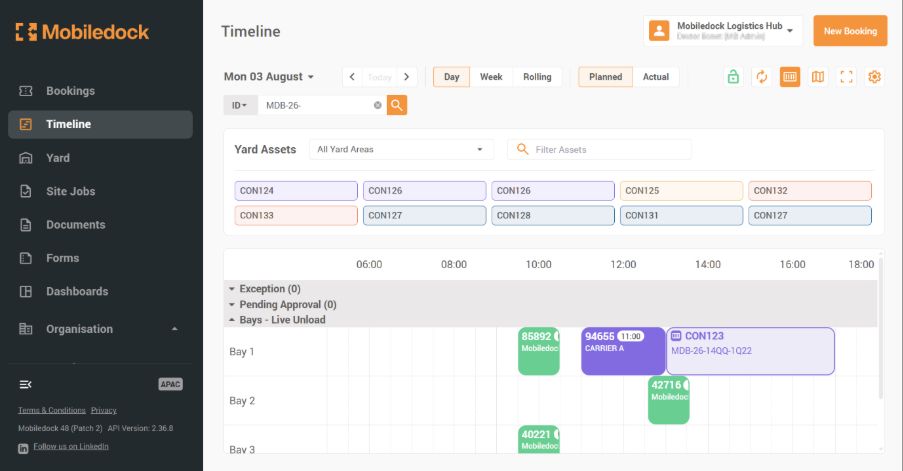
See where yard assets are located across your site.
Assets can be managed across yard zones, staging areas, docks, pickup areas or other configured site locations. This reduces time spent searching for trailers, containers or equipment, and helps teams coordinate work more efficiently.
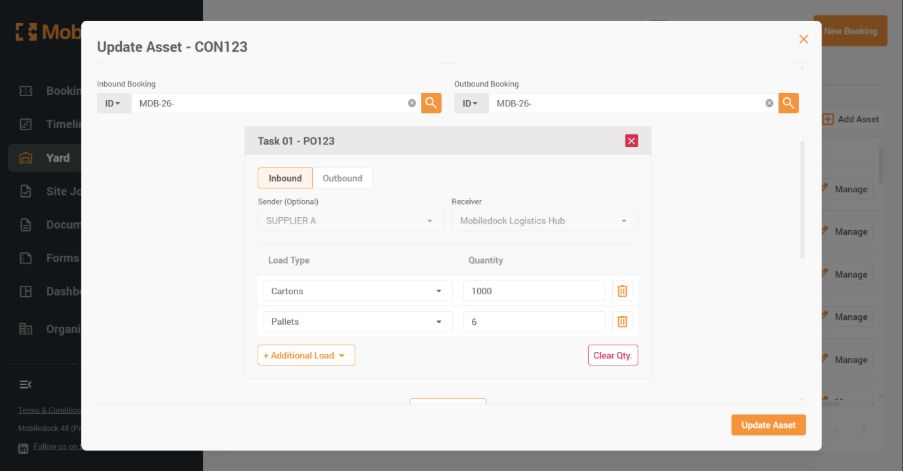
Contents and Inventory Visibility - What's in the box?
View what is inside a yard asset, including purchase orders, shipment references, ASNs or other load details.
This allows teams to prioritise activity based on the actual goods inside the asset, not just the presence of the asset itself.
Urgent orders, priority stock, customer-critical freight or time-sensitive goods can be identified and acted on more quickly.
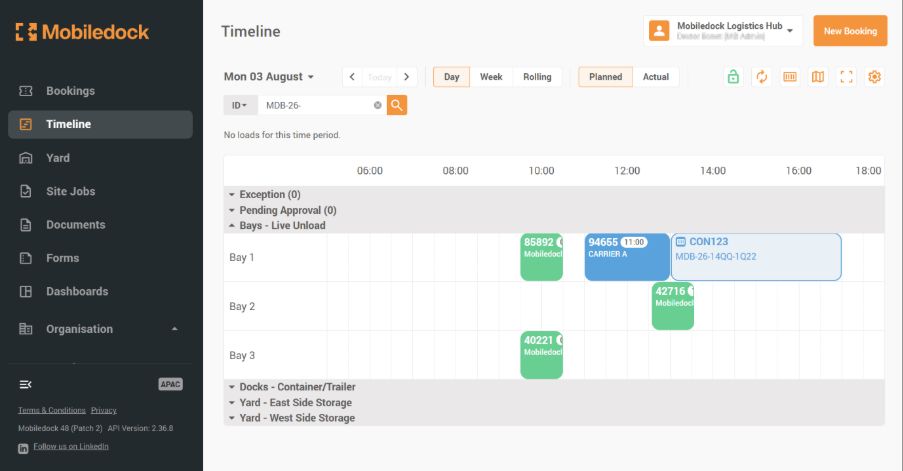
Dock Appointment Linked
Connect yard assets to dock appointments.
A yard asset can be associated with the appointment that brought it to site, giving your team traceability from booking to arrival to yard activity. Once the asset is in the yard, it can continue to be managed separately as it moves through the site.
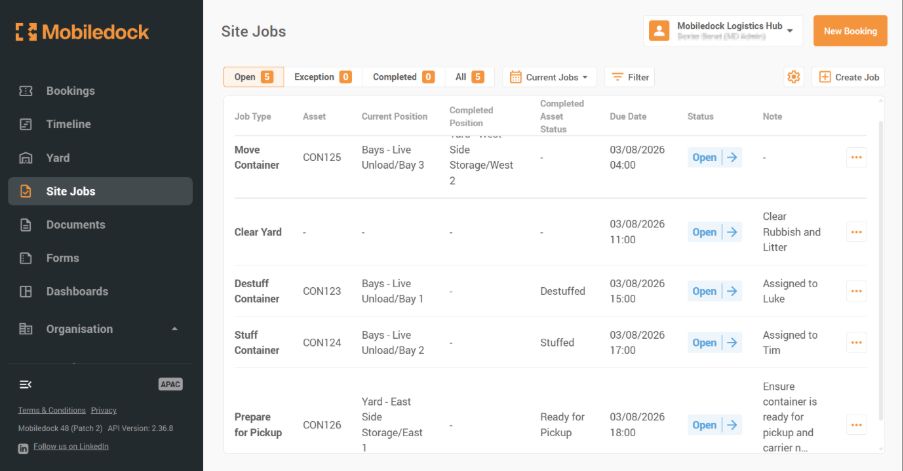
Yard Movement Jobs
Create and manage yard movement jobs, such as:
1. Move Trailer 123 from Yard A to Dock 1.
2. Move Container ABCD1234567 from Staging to Outbound Dock 3.
3. Move an empty trailer from Dock 2 to the pickup zone.
4. Take a loaded asset from the dock back to the yard.
Yard jockeys pick up the jobs and execute them.
Yard movements help turn informal instructions into clear operational tasks that can be tracked, prioritised and completed.
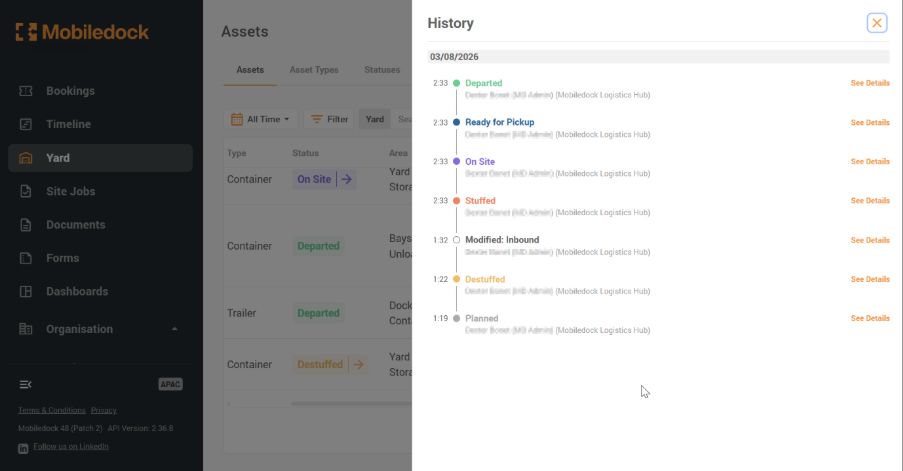
End-to-End Asset Flow
Mobiledock helps manage the flow of assets from arrival through to departure.
An asset can arrive with a scheduled appointment, be dropped in the yard, move to a dock, be loaded or unloaded, return to the yard, change status, and then be collected.
This creates a stronger operational record and better visibility across the full lifecycle of the asset on site.
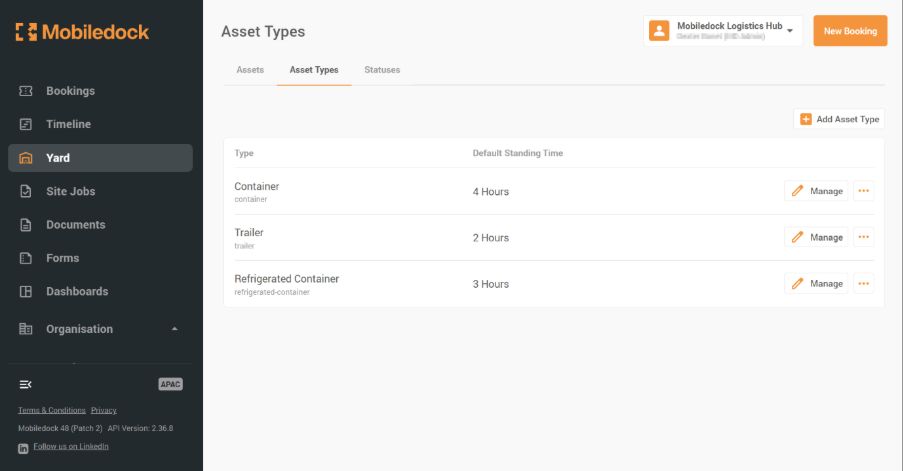
Configurable Yard Operations
Every site is different.
Mobiledock Yard can support different asset types, yard areas, statuses, movement types and operational processes based on the way your site works.
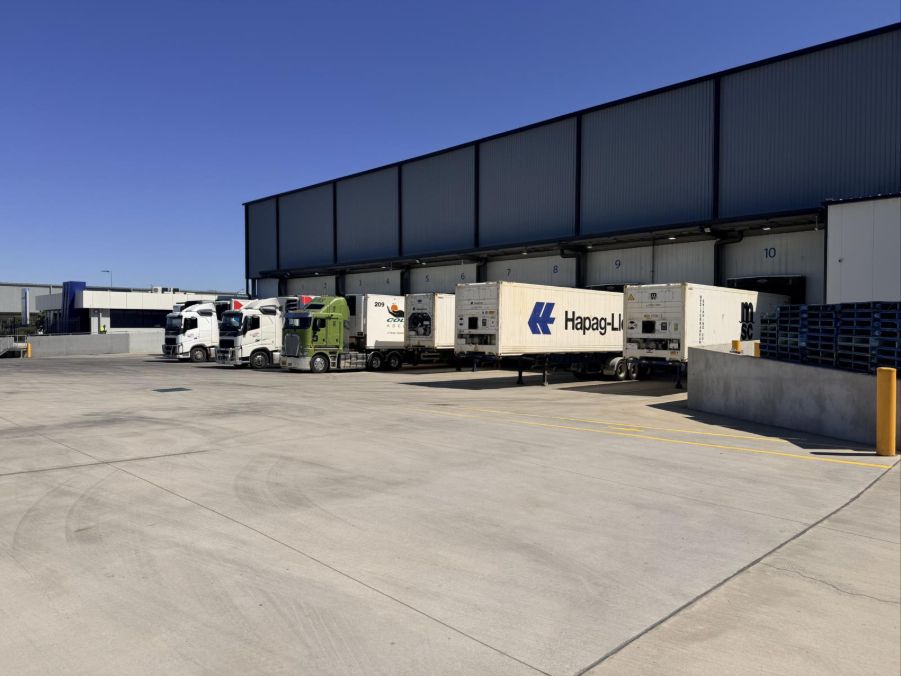
Plus Much, Much More....
Operational Dashboards and Insights
Driver, Gate and Access Control Integration
Searchable Yard History